

The Keys Are Yours—But Who Controls the Doorbell? A Smart-Home Handoff Guide for NC Buyers and Sellers
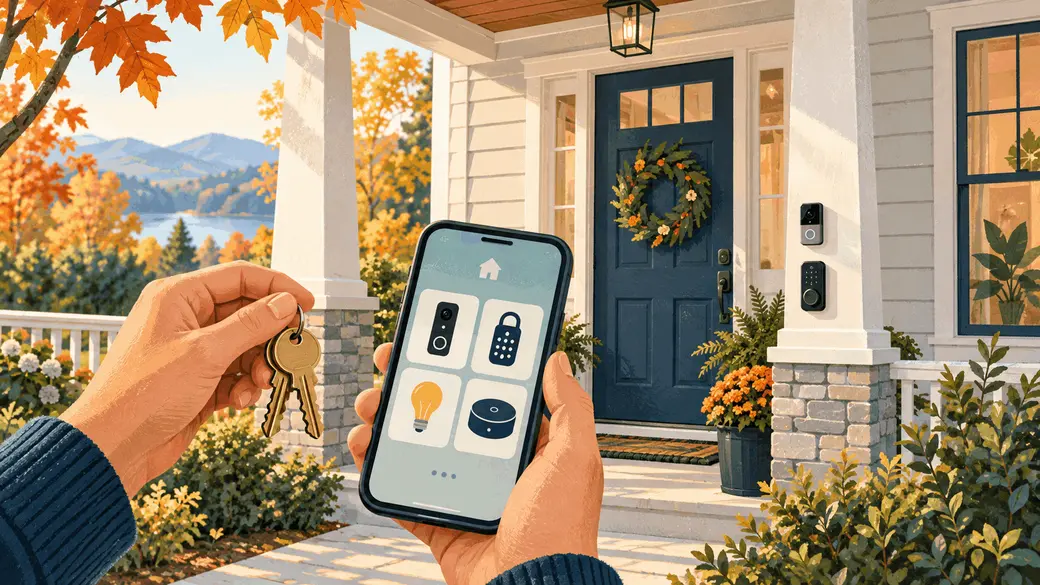
You got the keys. You found the coffee maker. You’re ready for your first night in the new house.
Then the doorbell announces a visitor through someone else’s phone.
Welcome to the part of moving that doesn’t fit in a cardboard box: the smart-home handoff.
Whether you’re buying in Raleigh, selling in Sanford, or moving across Johnston County, connected devices deserve a spot on your moving checklist. A thermostat, camera, or keypad lock can be useful—but the hardware and the account controlling it are two separate things.
Here’s how to make the transition less “Why is this blinking?” and more “Welcome home.”
1. Make a device inventory before moving day
Walk through the house and list the connected equipment: doorbells, cameras, locks, thermostats, garage-door controllers, lights, leak sensors, hubs, and any equipment they depend on.
For each item, record its location, brand and model, app, subscription needs, and basic operating instructions. Ask whether it needs a separate hub, bridge, remote, or charger. A smart bulb without the hub it relies on can become an oddly expensive ordinary bulb.
Sellers: gather manuals and manufacturer support links while you still know where everything is.
Buyers: ask which functions work without Wi-Fi and which require an active service. A doorbell that rings locally and a doorbell that stores cloud video may offer very different experiences.
2. Agree on what stays—and put it in writing
“Smart home included” sounds impressive. It is also wonderfully vague.
Does it mean the wall-mounted thermostat? The doorbell? The plug-in cameras? The hub tucked behind the television?
Ask your agent to help document included and excluded equipment in the transaction paperwork, with legal questions directed to your closing attorney. Identify devices clearly rather than assuming everyone shares the same definition of “the security system.”
Discuss the handoff schedule, too. Ownership changes, resets, and access removal should follow an agreed plan tied to closing and possession. Sellers still occupying the home need functioning access and essential systems until the appropriate handoff time.
3. Transfer the device, not your personal login
Handing over an account password may also hand over personal information, other devices, or access to an entirely different property. Use the manufacturer’s ownership-transfer process and let buyers create their own accounts.
Ring provides a useful example: its guidance says deleting the app, canceling a subscription, or physically removing a device does not release device ownership. Owners must use the Ring app to release or transfer it. Ring also notes that transferring a device does not cancel its subscription. Follow its current instructions for the specific equipment involved. Ring’s ownership-transfer guide.
Other brands have their own rules. A factory reset and an account release may be separate steps, so check the instructions before pressing buttons and hoping for the best.
4. Give subscriptions their own checklist
Separate the physical device from its paid services. Video storage, professional monitoring, and premium app features may involve different plans or agreements.
Ask who is responsible for cancellation, whether a service can transfer, what the buyer must activate, and which features remain available without payment. Verify those answers with the provider.
Sellers should also follow the provider’s guidance for saving or deleting personal recordings and removing shared users. Buyers should avoid treating a working camera during a showing as proof that the same service will be active after possession.
5. Start the buyer’s digital setup fresh
Once possession and the agreed handoff occur, establish your own network and device access. Use unique passwords, enable two-factor authentication where offered, and install available updates.
The Federal Trade Commission recommends securing the router, changing default credentials, updating devices, and disabling features you don’t use. Its advice is a useful starting point for a newly acquired connected home. FTC’s connected-device security checklist.
For locks and garage systems, follow manufacturer guidance to remove old users, PINs, and remote access. Confirm that physical keys, backup access methods, and everyday controls work. If you’re unsure how to reset access safely, bring in a qualified installer or locksmith.
The goal is simple: know who can operate your home’s systems.
6. Test ordinary life, not just the demo
A quick demonstration during the agreed walkthrough can reveal missing pieces before they become moving-day surprises.
Can the thermostat be adjusted at the wall? Does the doorbell ring? Is the hub included? Are model numbers and setup instructions available? Document unresolved items with your agent.
After the transfer and buyer setup, test remote features from the buyer’s own account. Schedule lighting, try the garage controller, and verify notifications. A device lighting up is encouraging; being able to control it yourself is the useful part.
If an account remains locked to a previous owner, address it promptly through the agreed transaction process and manufacturer support.
A one-page handoff beats a mystery drawer
The best smart-home welcome packet doesn’t need to be fancy. Include:
- The agreed list of devices staying with the home.
- Brand, model, location, and required hubs or accessories.
- Manufacturer setup and ownership-transfer links.
- Subscription information and responsibilities.
- A record of completed transfers and outstanding steps.
- Basic offline controls and backup access instructions.
Keep passwords and sensitive access codes out of broadly shared documents. Arrange any temporary access securely, then replace it during the buyer’s setup.
A thoughtful handoff makes connected features easier to enjoy and gives both parties fewer loose ends. Moving already involves enough puzzles. Your front door doesn’t need to be one of them.
Ready to make your next move?
Buying or selling in Raleigh, Sanford, Johnston County, or a nearby North Carolina market? Let’s build a plan that covers the details—from the offer to the smart-home handoff. Contact Christopher Weber with HomeSmart Expert Realty at ChrisLeadsNC.com or email broker@chrisleadsnc.com.
Categories
Recent Posts




“My job is to ensure you are setup for success from start to finish! I'm here to help make magic happen every step of the way......Together we will manifest GREATNESS! ”